
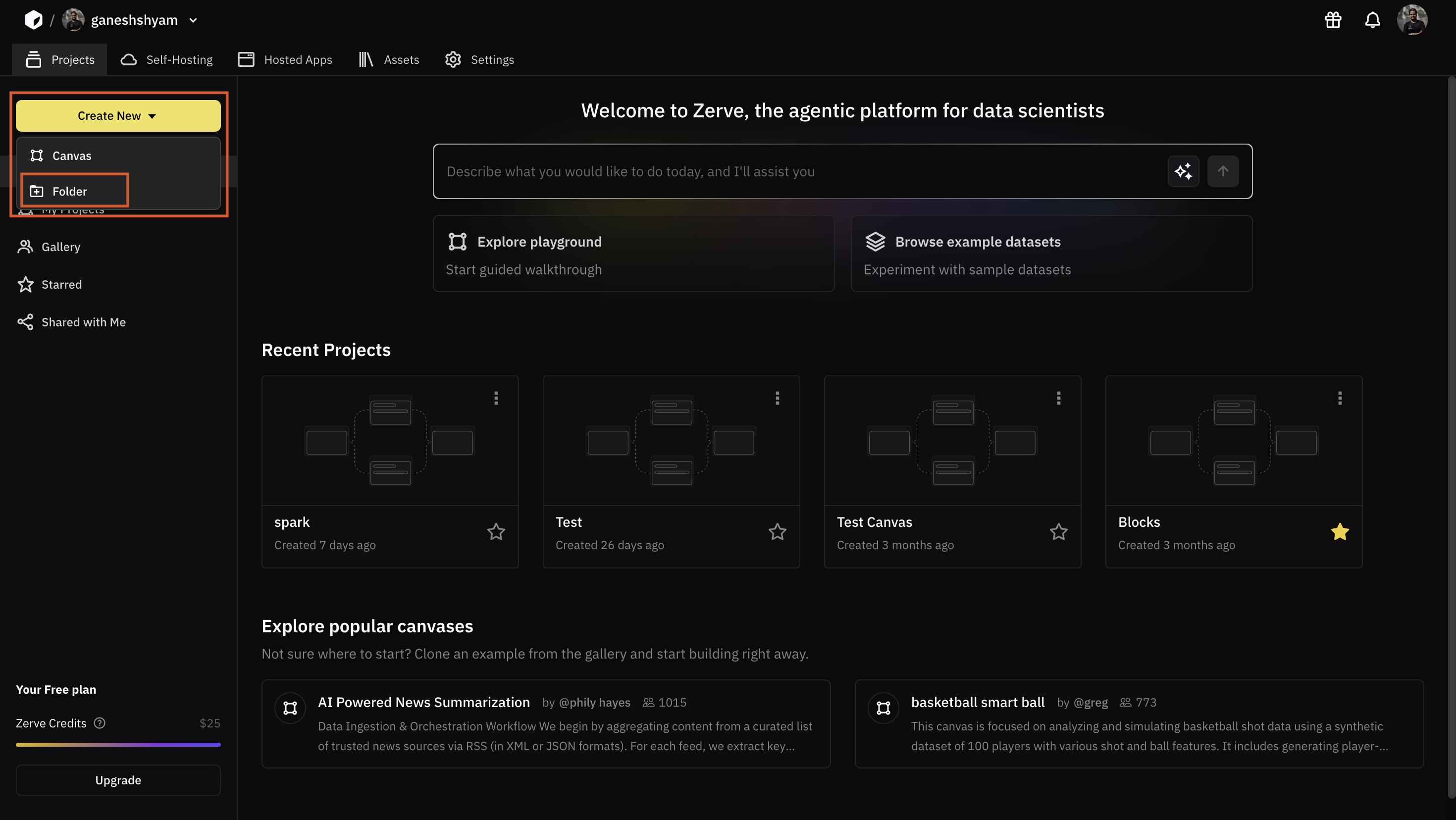
Creating a Folder


Members access

Compute Usage
| Function Level | Description |
|---|---|
| Members | Add, View, Remove members from a workspace. |
| Groups | Create, Edit, View and Add members to a group inside a workspace |
| Workspaces | This empower administrators to limit the level of access granted to members within a workspace. |
| Roles | This often involves defining roles within the organization and specifying what each role can or cannot do. |
| Billing | Managing access to payments page |
| Canvases | Create/Edit/View new or existing canvases. |
| Environments | To control who can create, view, or have no access to specific development, testing, or deployment environments. |
| Data Connections | To ensure that the individuals or teams have appropriate access to data sources while protecting sensitive information. |
| Queries | To extract and analyze data, to ensure data security and efficient data management. |
| Constants & Secrets | To maintain data security and controlling who can create, view, or have no access to sensitive information. |
| Functions | To manage who can create, and have access to custom coding functions developed within workspaces. |
| Deploy APIs | To manage access to individual or team to deploy the new services and integrations securely. |
| Exports | Exports are used to share and analyze data, with individuals or teams to have appropriate access. |
| Data Apps | Data apps often serve as platforms for data analysis, reporting, and decision-making, to ensure the individuals or teams have appropriate access. |
| Scheduled Jobs | To manage access to automated tasks or predefined schedule. |
| Role Permission | Comment |
|---|---|
| No Access | Cannot create/view/edit using that particular function. |
| View | Only view a particular function. For example, can view BYOC details. |
| Create/Edit | Create/Edit using that particular function. For example, can create/set up an account using BYOC. |